
Yoga with pose detection
Yoga with a camera that sees your pose
Place your iPhone, iPad or Mac in front of you. AR Chakras follows your body through every pose, reads each one aloud, and counts the time only while you hold the pose correctly.
Everything runs on the device: no account, no cloud, and nothing is recorded.

Free to download, with My Chakras and Begin free to use. For iPhone, iPad and Mac.

- 34different poses
- 8exercises
- 7chakras on the live picture
- 0data collected
How it works
Stand in front of the camera, and begin
The app watches your pose through the camera, with Apple's own pose detection, right on the device.
-
1
Set up the device
Stand your iPhone or iPad in front of you with the screen towards you: the app uses the front camera. On a Mac it uses the Mac's camera.
-
2
Get your whole body in view
Not too close and not too far. Face the camera, or stand side-on, as the picture of each pose shows. One person at a time.
-
3
Hold the pose
Each pose is shown and read aloud. Its timer counts only while you hold the pose correctly, and then the next one follows.
Guided practice
A voice for every pose, and a timer that waits for you
Until you are in the pose, a card shows its name, a picture of it and one line on how to do it, and the voice reads it out: “Stand tall, feet together, arms by your sides. Take a few deep breaths.”
The countdown starts once you are in the pose and runs only while you hold it. A slip of less than a second is forgiven.
- A strip along the top shows every pose of the exercise. Tap any one to jump to it.
- Choose any English voice on your device, and how fast it speaks, or turn the voice off.


My Chakras
The seven chakras, on the live picture of you
Stand in front of the camera and My Chakras draws the seven chakras on your body as you move: coloured discs, each with its Sanskrit seed syllable, placed from the points the app finds on you and sized to how close you stand.
The lower four appear while you stand or sit upright.
- ॐCrown · SahasraraAbove the head
- शंThird eye · AjnaBetween the eyebrows
- हंThroat · VishuddhaAt the neck
- यंHeart · AnahataBetween the neck and the solar plexus
- रंSolar plexus · ManipuraMidway between the neck and the hips
- वंSacral · SvadhisthanaBetween the solar plexus and the hips
- लंRoot · MuladharaAt the hips

The exercises
Eight exercises, 34 different poses
From a first gentle sequence to the salutations to the sun and the moon, and exercises for the back, the pelvic floor and the belly. The times are the app's own estimates at the Fast and the Slow pace.
-
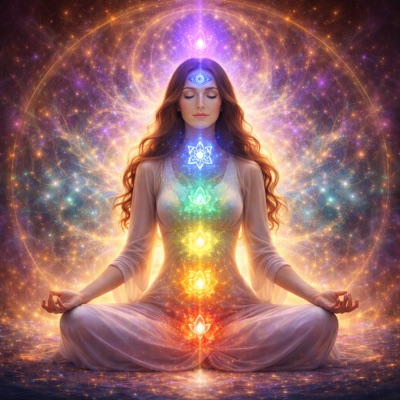
My Chakras
The seven chakras drawn on the live picture of you, each with its seed syllable.
No timer: as long as you like
-
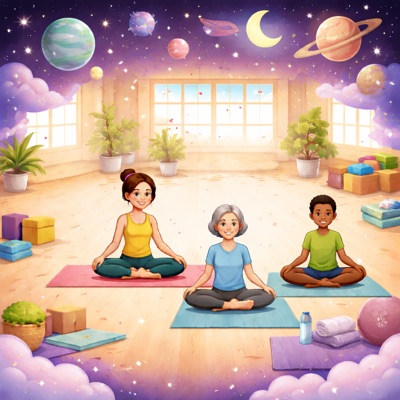
Begin
Eight gentle poses: Mountain, Prayer, Hero, Easy, Staff, Cobbler's, Cat and Cow.
Fast ~1 minSlow ~5 min
-
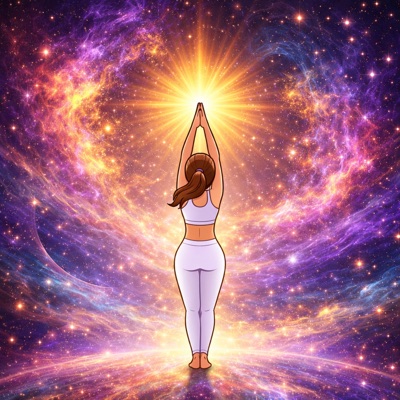
Sun Salutation
Prayer, then rounds of eleven poses, from Raised Arms and Forward Fold to Downward Dog. Three to ten rounds.
Fast ~3–11 minSlow ~10–34 min
-
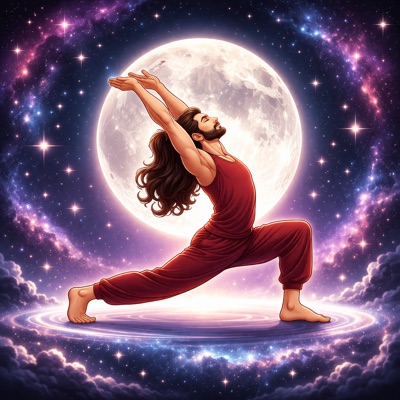
Moon Salutation
Mountain, then rounds of nineteen poses with Goddess, Triangle, Pyramid and Garland. One to ten rounds.
Fast ~5–53 minSlow ~17–161 min
-
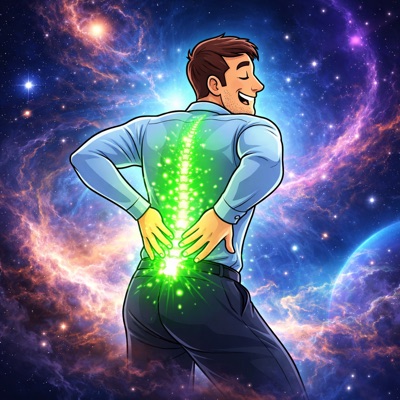
Back Pain Relief
Fifteen different poses, from Constructive Rest and Cat–Cow to Bird dog, Glute Bridge, Sphinx and Legs up the wall.
Fast ~18 minSlow ~56 min
-
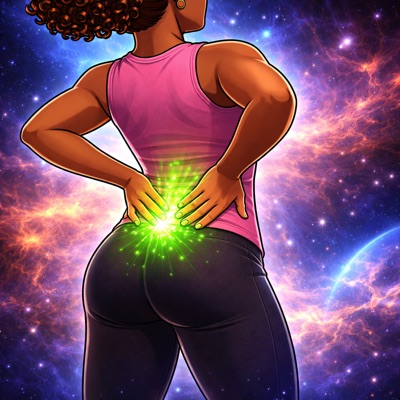
Lower Back Tension
Thirteen different poses, with knees to chest, supine twists, Cat–Cow, Glute Bridge, Bird dog and Sphinx.
Fast ~17 minSlow ~53 min
-
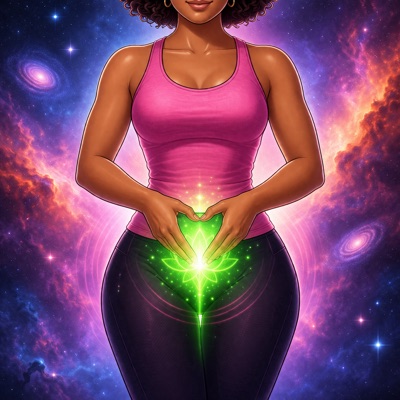
Pelvic Floor Health
Eleven different poses, from Reclined bound angle and Glute Bridge to Child's pose, Garland and supine twists.
Fast ~20 minSlow ~60 min
-
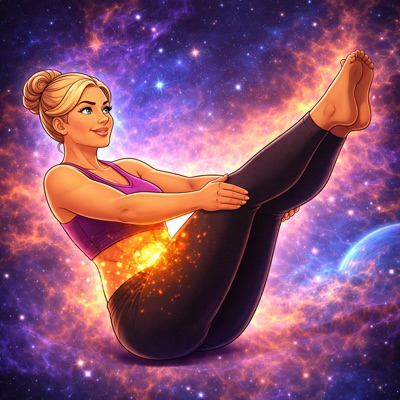
Belly Fat Reduction
Eight different poses, among them Plank, Boat, Triangle, Cobra and Glute Bridge, with rests between.
Fast ~11 minSlow ~34 min


Your pace
Hold every pose a little, or a long time
Three speeds at the top of the exercises set how long every pose is held. The app remembers the one you chose.
-
×1
Beginners
Fast
Every pose held for its own time.
-
×2
Intermediate
Medium
Every pose held twice as long.
-
×3
Advanced
Slow
Every pose held three times as long.
Choose the number of rounds, too: the Sun Salutation from three to ten, the Moon Salutation from one to ten.
iPhone, iPad and Mac
On a bigger screen too
The same exercises on iPad, and on a Mac as a real Mac app with its own window. On a Mac, the app uses the Mac's camera.
- iPhoneiOS 16 or later
- iPadiPadOS 16 or later
- MacmacOS 13 or later


The app itself
A look around
Screens from the app on iPhone. They were taken without a camera, so the picture of you that fills the exercise screen in practice is not in them.


Scroll sideways to see them all. Open any screen to see it larger.
Price
My Chakras and Begin are free
The other six exercises come with a subscription, which you can cancel at any time.
Free
- My Chakras
- Begin
- Every setting: the pace, the voice and how fast it speaks
With a subscription
Everything that is free, and all of this:
- Sun Salutation
- Moon Salutation
- Back Pain Relief
- Lower Back Tension
- Pelvic Floor Health
- Belly Fat Reduction
Subscription terms Weekly, monthly or yearly. Payment is charged to your Apple Account when you confirm. The subscription renews automatically unless you cancel it at least 24 hours before the current period ends, and you can manage or cancel it in your Apple Account settings at any time. The App Store shows the prices in your own currency.
Free to download
For iPhone with iOS 16 or later, iPad with iPadOS 16 or later, and Mac with macOS 13 or later.
Scan the code with your phone to open the app in the App Store.
Private by design
Your practice stays on your device
No registration and no data collection. The App Store says it plainly: Data Not Collected.
- On your deviceThe pose detection runs on the device itself, with Apple's own Vision framework. Nothing goes to a cloud.
- Nothing recordedThe camera picture is looked at as it comes in and never saved. No photo and no video is ever made.
- No accountNo sign-up, no email address and no password.
- No trackingNo analytics, no advertising and no code from other companies.
- No internet neededThe app makes no connections of its own; only buying a subscription goes through the App Store. On a Mac it is not even allowed to go online. All it keeps are your settings, on the device, and it keeps no record of your sessions. Read the privacy policy.
Questions and answers
What people ask
Does the app record me?
No. The camera picture is analysed live on the device, and it is never saved or sent anywhere.
Does it need an internet connection?
No. Everything runs on the device. Only buying a subscription goes through the App Store.
Do I need an account?
No. There is no sign-up of any kind.
Where do I put my iPhone or iPad?
In front of you, with the screen and the front camera towards you, far enough away that your whole body is in the picture. Face the camera, or stand side-on, as the picture of each pose shows.
The app follows one person at a time.
Which devices does it run on?
iPhone with iOS 16 or later, iPad with iPadOS 16 or later, and Mac with macOS 13 or later. The device needs a camera.
Can I go at my own pace?
Yes. Fast, Medium and Slow hold every pose once, twice or three times as long. You choose how many rounds of the Sun and the Moon Salutation to do, and you can tap any pose to jump to it.
Does it keep a history of my practice?
No. The app keeps no record of your sessions. It only remembers your settings.
Will it drain the battery?
It can: the camera and the pose detection work the whole time, and on iPhone and iPad the screen stays on. Keeping the device on its charger while you practise helps.
What language is it in?
English. Any English voice installed on the device can read the poses aloud.
How do I cancel the subscription?
On iPhone or iPad: open Settings, tap your name, then Subscriptions. On a Mac: open the App Store, click your name, then Account Settings, and find Subscriptions.
You keep everything until the period you have paid for ends.